Skip to content

Multi-Agent & Teams

Shared Memory AI Agents Use: One Context, Every Tool

Your coding agent and your support agent shouldn't learn everything twice. Here's how shared memory for AI agents actually works.

Updated · 6 min read

A team running multiple AI agents, a coding assistant, a support bot, a research agent, usually gives each one its own isolated memory by default, simply because that's how most tools are set up out of the box. The result is redundant: the same fact about a customer, a system, or a decision gets learned, and then relearned, separately by every agent that happens to encounter it.

Shared memory AI agents can actually rely on fixes that by giving every agent and every teammate read and write access to one underlying memory store, so what one agent learns becomes immediately available to the rest. This guide covers how shared memory actually works, what it requires architecturally, and where the access-control questions come in.

What shared memory for AI agents actually means

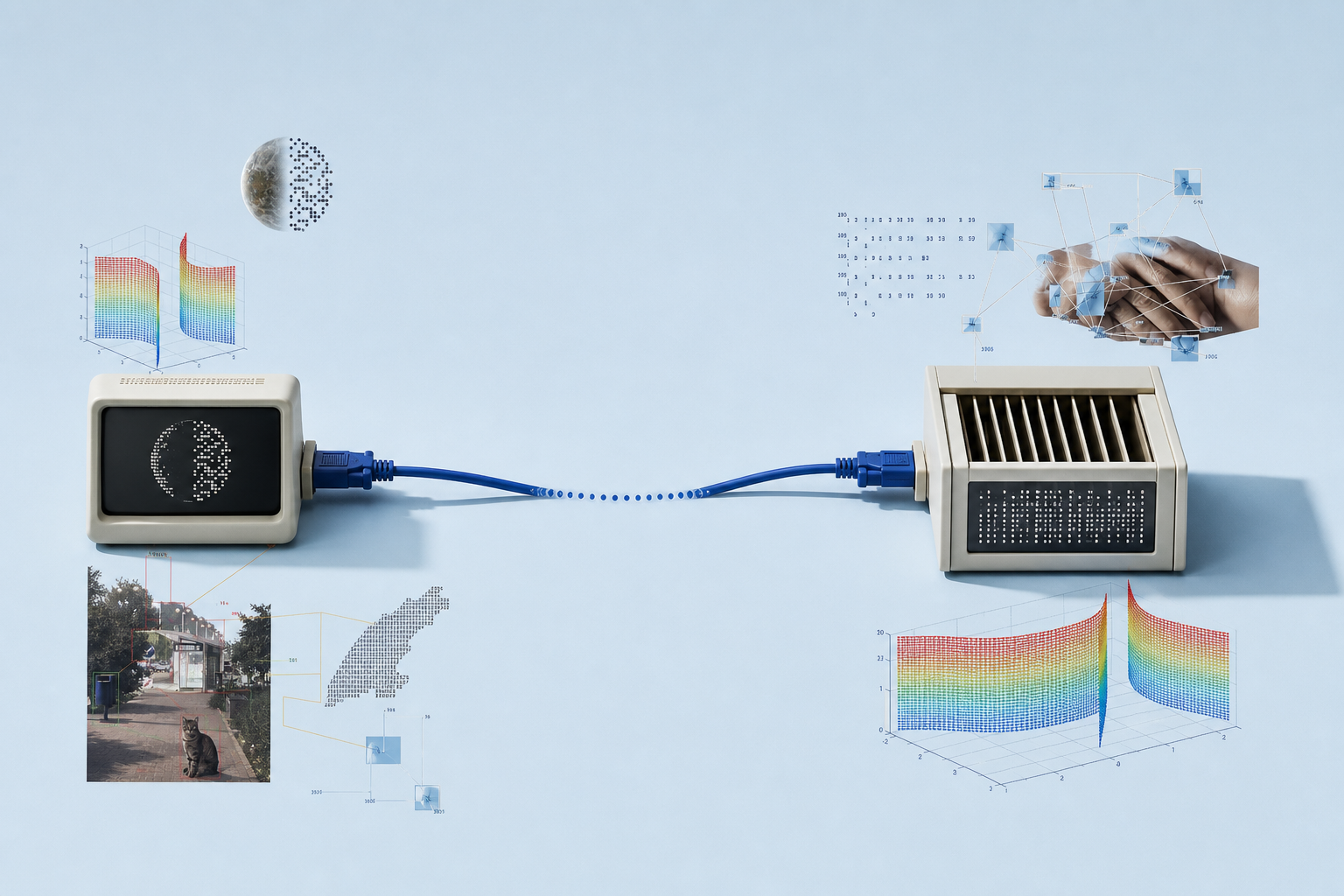
Shared memory means multiple agents, and often multiple human teammates, read from and write to the same underlying memory store, rather than each agent or each tool maintaining its own isolated copy. A fact learned by a coding agent in one session is immediately visible to a support agent in a completely different session, because both are querying the same store, not separate ones.

This is a meaningful step up from per-session or per-tool memory. Instead of an organization's institutional knowledge being scattered across whichever tool happened to learn it first, it accumulates in one place that every connected agent can draw on.

Why isolated, per-agent memory fails teams

Per-agent memory creates a specific, recurring failure: an agent asks a question a teammate's agent already answered last week, because the two have no way to see each other's memory. Multiply that across a team running several agents across several tools, and a meaningful fraction of every agent's work is relearning things the organization already knows.

It also makes memory fragile in a different way: if the one tool holding a fact gets replaced or a session's local storage is cleared, that knowledge is gone, with no other copy anywhere else the team can recover it from. Consolidating into one shared team memory removes that single point of failure, since the fact no longer depends on any one tool's local state surviving.

What shared memory requires technically

Sharing memory across tools requires the memory store to be reachable independent of any single client, which in practice means a remote, protocol-based interface rather than memory baked into one application's local state. This is exactly the problem the Model Context Protocol was built to solve: a standard interface any client can connect to, so the store behind it can be genuinely shared. Concretely, that usually means a single MCP server that every agent, regardless of which vendor's client it runs in, connects to for both reading and writing memory.

The MemGPT paper framed persistent memory as something closer to an operating system's shared file system than a per-application cache, and shared memory across agents extends that idea one step further: multiple processes (agents), potentially running on different machines, reading and writing the same durable store concurrently.

Access control for shared memory

Sharing memory across agents raises an access question a single-agent system never has to answer: who, and what, is allowed to read or write which parts of the store. A support agent probably shouldn't be able to overwrite a fact a coding agent relies on, and a contractor's agent probably shouldn't see every memory a full-time employee's agent can.

Well-built shared memory systems handle this with roles scoped to an organization, typically owner, admin, and member tiers, plus per-organization API keys, so sharing memory broadly within a team doesn't mean sharing it indiscriminately across every team an agent might touch. This is where multi-tenant memory design becomes as important as the sharing itself, and it's exactly the kind of scoping that makes shared memory AI agents use safe to roll out to a whole organization rather than just a single trusted team.

Shared memory in multi-agent systems

A multi-agent system, several distinct agents each specialized for a different task, coding, support, research, magnifies both the benefit and the risk of shared memory compared to a single agent working alone. The benefit: a fact any one agent learns becomes available to every other agent in the system immediately, so the whole system gets smarter as any part of it works, not just the specific agent that happened to do the learning.

The risk scales the same way. In a multi-agent setup, a bad write from one agent doesn't just affect that agent's future behavior, it can propagate to every other agent reading from the same store, sometimes within seconds. That's a strong argument for building provenance and correction tooling before scaling from one agent to several, rather than retrofitting it once a shared memory problem has already spread across a multi-agent deployment.

Shared memory vs message passing between agents

There's an alternative to shared memory worth naming directly: agents can also coordinate by passing messages to each other, an agent explicitly hands off a summary or a result to another agent, rather than both reading from a common store. Message passing works well for tightly coupled, sequential handoffs, but it doesn't scale to an arbitrary number of agents the way shared memory does, since every new agent that needs a piece of information requires a new message path to get it.

Shared memory sidesteps that scaling problem: any agent, current or added later, reads from the same store without needing a direct integration with every other agent that might have written the relevant fact. For anything beyond a small, fixed set of agents with a known handoff sequence, shared memory AI agents can all draw from is the pattern that scales.

How stored shares memory across agents

stored is built around a single shared memory graph per organization, reachable over one remote MCP endpoint: every connected agent, Claude, Cursor, Claude Code, or a custom integration, reads and writes the same underlying store, with a per-org API key controlling access rather than each tool needing its own separate memory setup.

Every write also carries provenance, which agent wrote it and when, so shared memory doesn't mean anonymous memory: when something looks wrong, you can trace it back to the agent and session that produced it, correct it once, and have that correction immediately reflected for every other agent drawing on the same AI agent memory.

What to check before rolling out shared memory

Before turning on shared memory AI agents across a whole team will depend on, it's worth confirming a few things concretely rather than assuming they're handled. Can access be scoped below the whole-organization level, so a contractor's agent or a single team's agent isn't automatically reading everything. Is there an audit trail showing which agent wrote which fact and when. And does retrieval stay fast as the store grows, or does every added agent's writes slow down every other agent's reads.

It's also worth testing what happens when something goes wrong, deliberately, before it happens for real. Write a clearly incorrect fact through one agent's session, then confirm it can be found, attributed to the right agent and session, corrected, and that the correction actually propagates to every other agent drawing on the store. A shared memory system that can't demonstrate that loop cleanly in a test environment will be far harder to trust once real, messy team data is flowing through it.

Frequently asked questions

Can two different AI tools share the same memory?

Yes, if the memory store is exposed over a standard, remote interface like an MCP server rather than kept in one tool's local storage. Any connected client can then read and write the same underlying memory.

Is shared memory the same as team access control?

They're related but distinct. Shared memory means multiple agents draw from one store; access control governs who and what can read or write specific parts of it, usually through roles like owner, admin, and member.

Does shared memory slow down individual agents?

Not meaningfully in a well-built system. Retrieval is scoped to what's relevant to the current query regardless of how many agents contribute to the store, so a larger shared memory doesn't mean slower individual lookups.

What's the risk of sharing memory across agents?

The main risk is one agent writing a wrong or outdated fact that then propagates to every other agent relying on the shared store, which is why provenance, knowing which agent wrote a memory and when, matters as much as sharing it.

See what your agents remember.

Connect an agent and stored starts building the live memory graph this post describes, free to try.

No credit card required · Free plan available · Bring your own OpenAI key